PIN Authorization
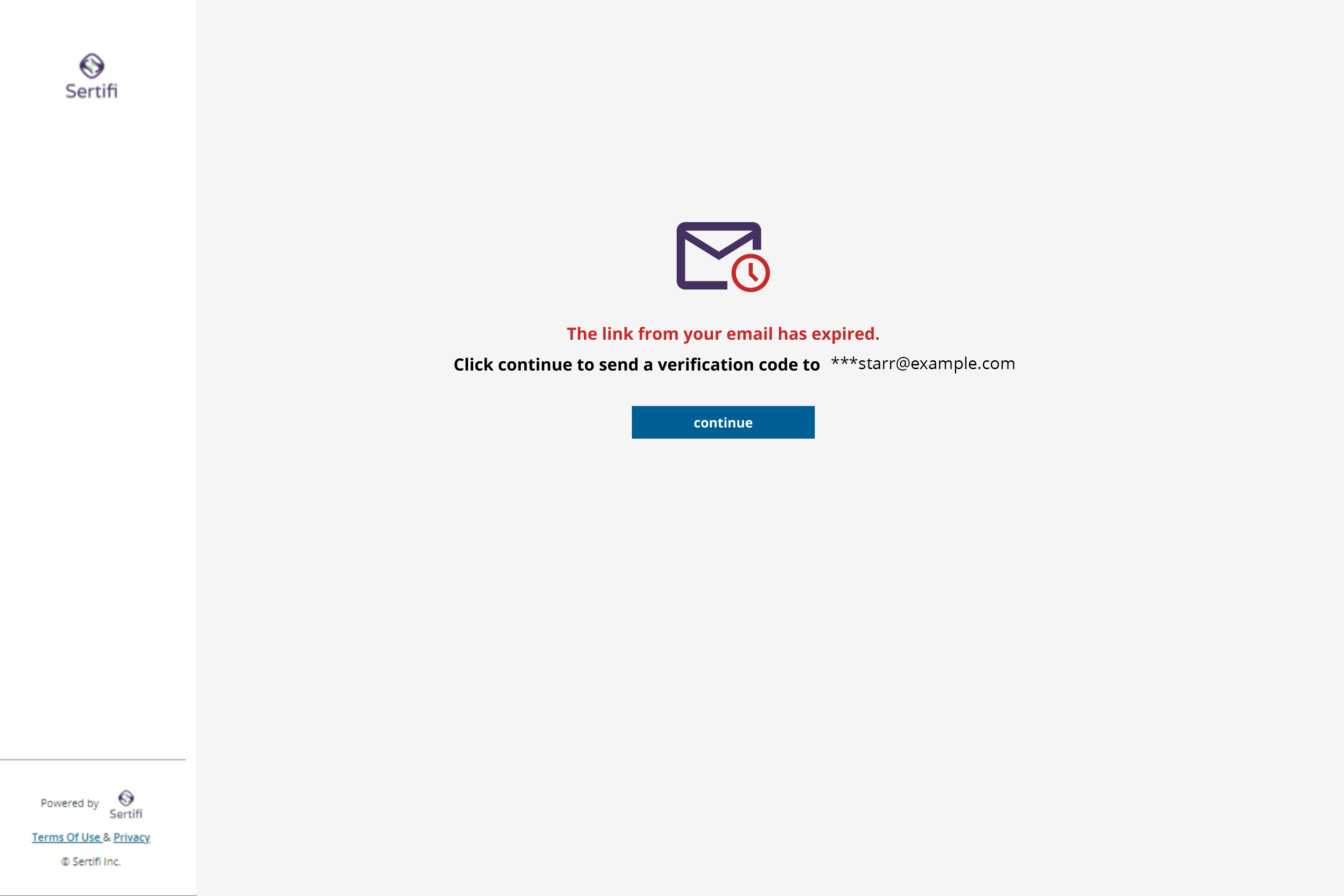
When you send a folder from your Sertifi portal, your participants receive a link to the folder in their email. By default, this link expires after receiving 5 clicks, or when 5 days have passed after the link's initial creation.
If the link expires for a participant, they must request a PIN code in order to access the materials in the link.
Walkthrough
If the participant attempts to access an expired link, they'll be greeted with the following screen. From there, they can then request an access PIN that will be sent to their email address.
The PIN will arrive in their inbox after a few minutes. They will then have 15 minutes to input the PIN in order to continue.
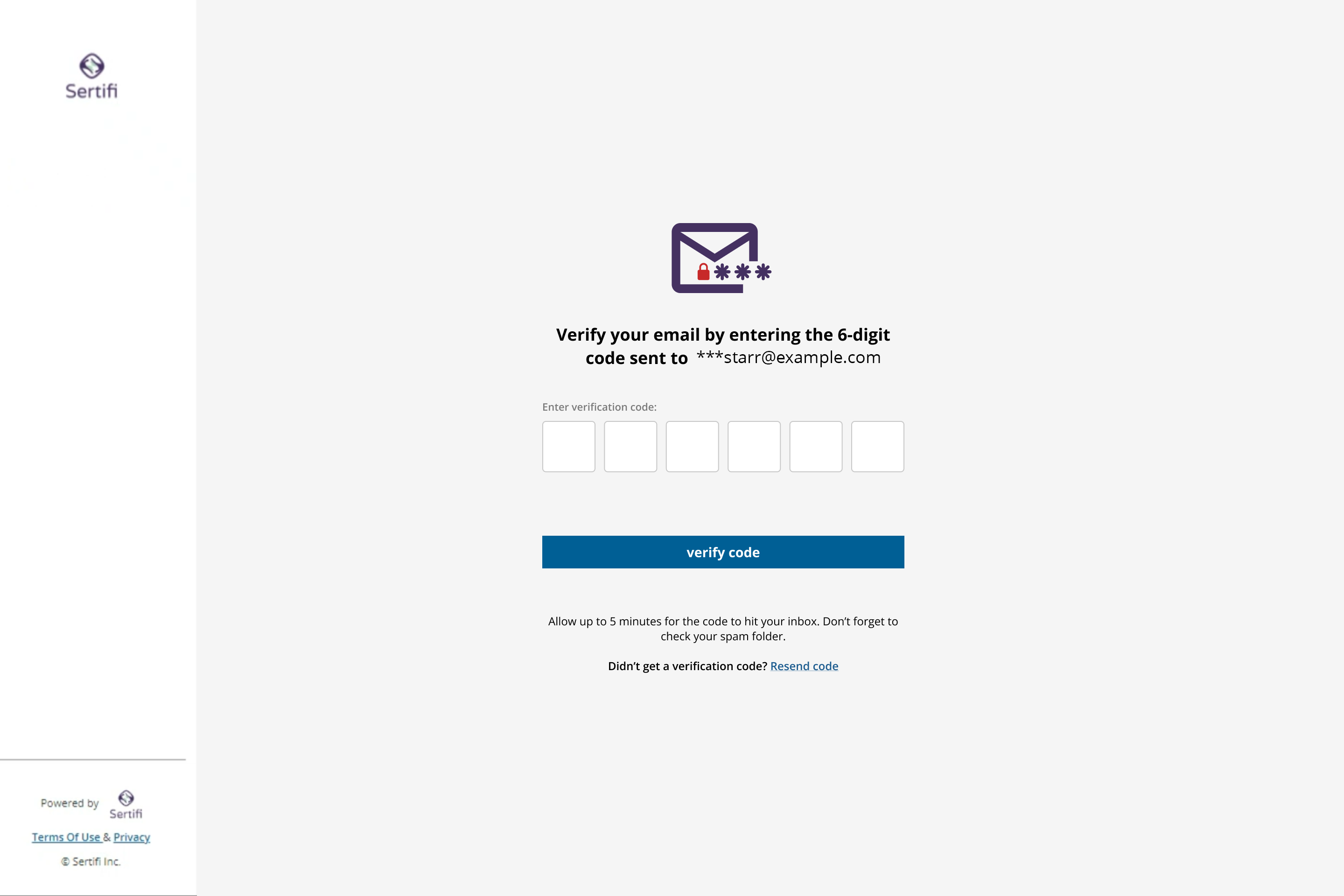
If they successfully enter the PIN, they can then proceed to work on their assigned tasks in the folder.
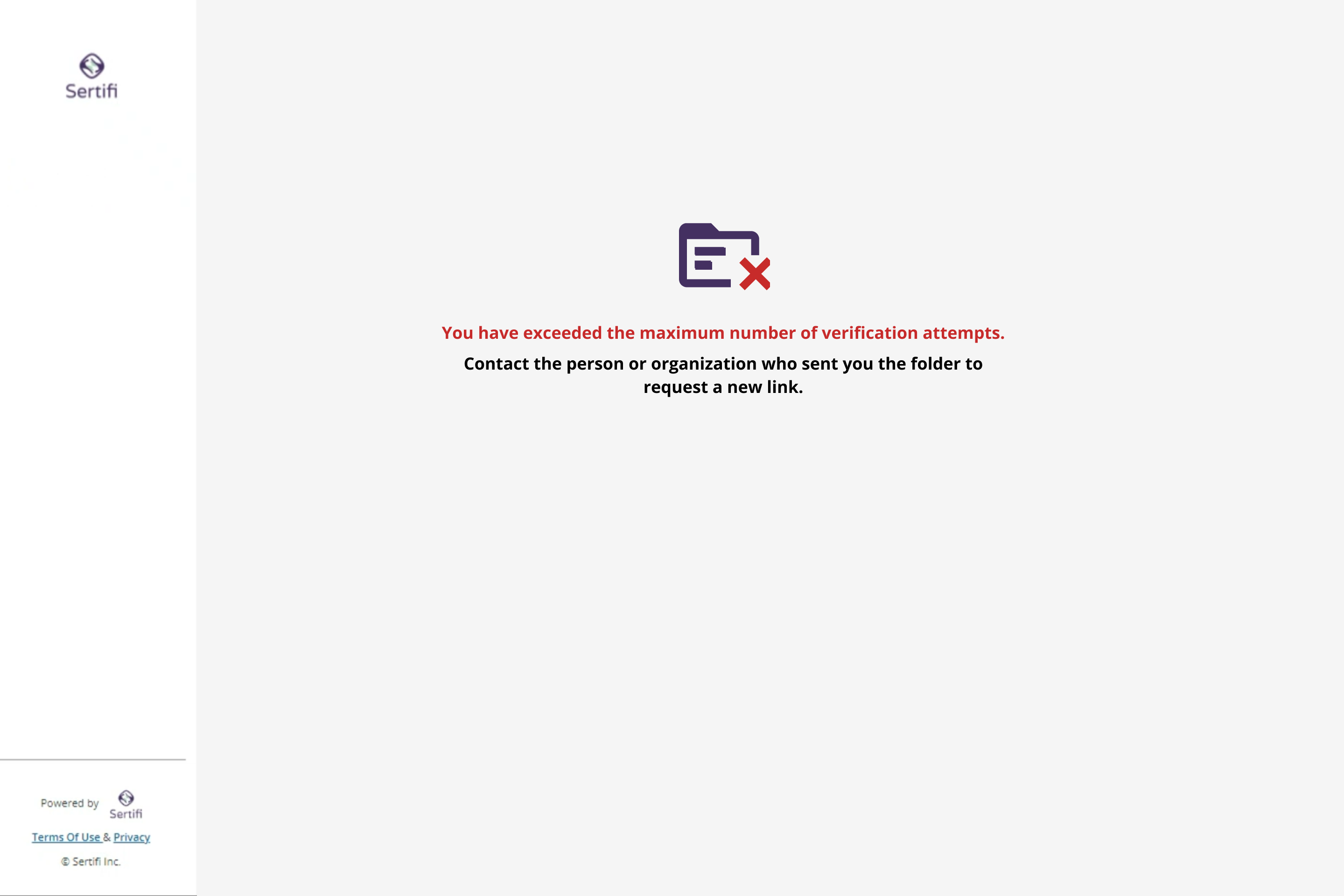
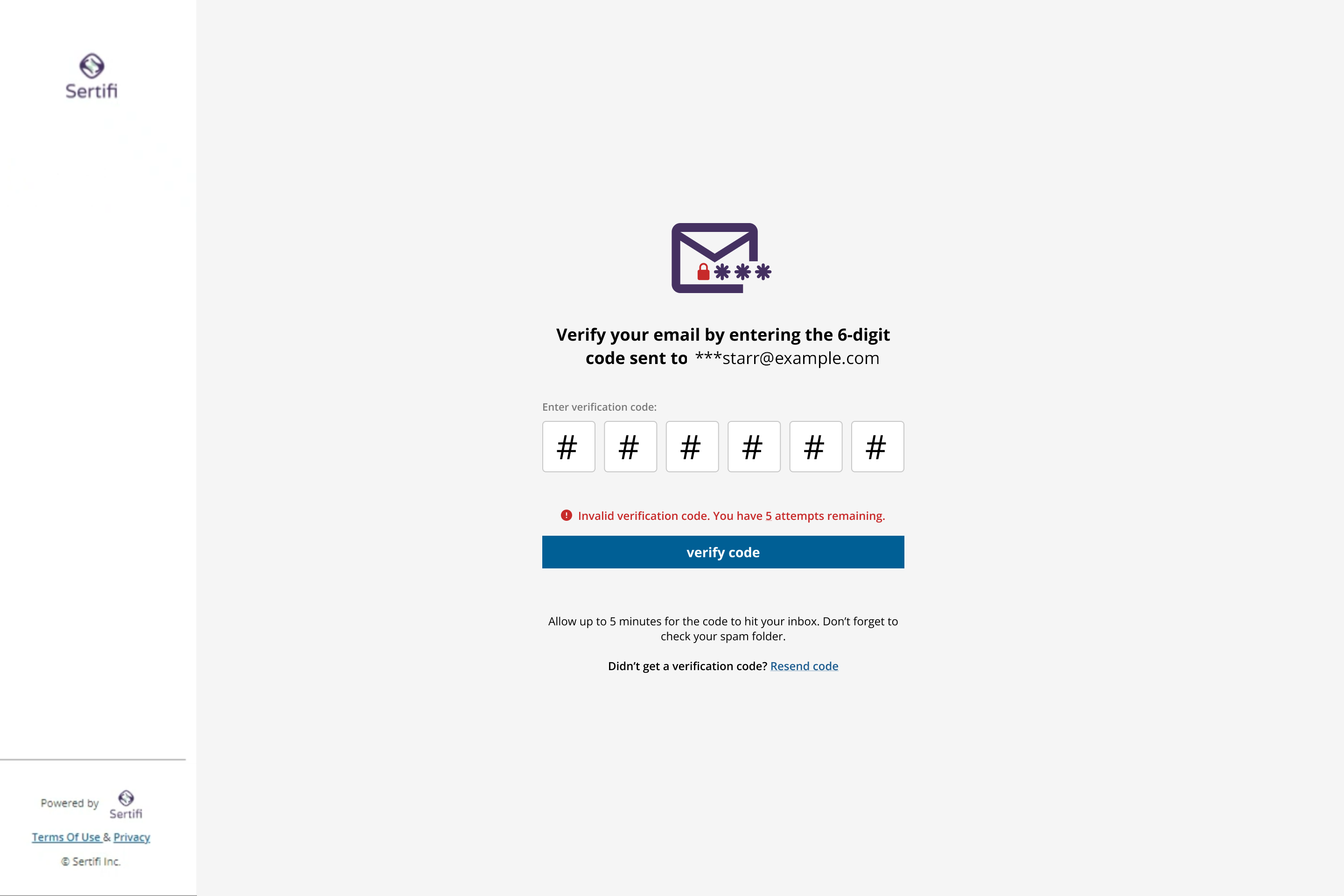
If they are not successful, they will have 5 more attempts to access the folder using the current PIN.
If they exceed the number of allowed attempts, they must contact the party that originally sent the folder. For security purposes, it is not permitted to attempt a second PIN authorization process.